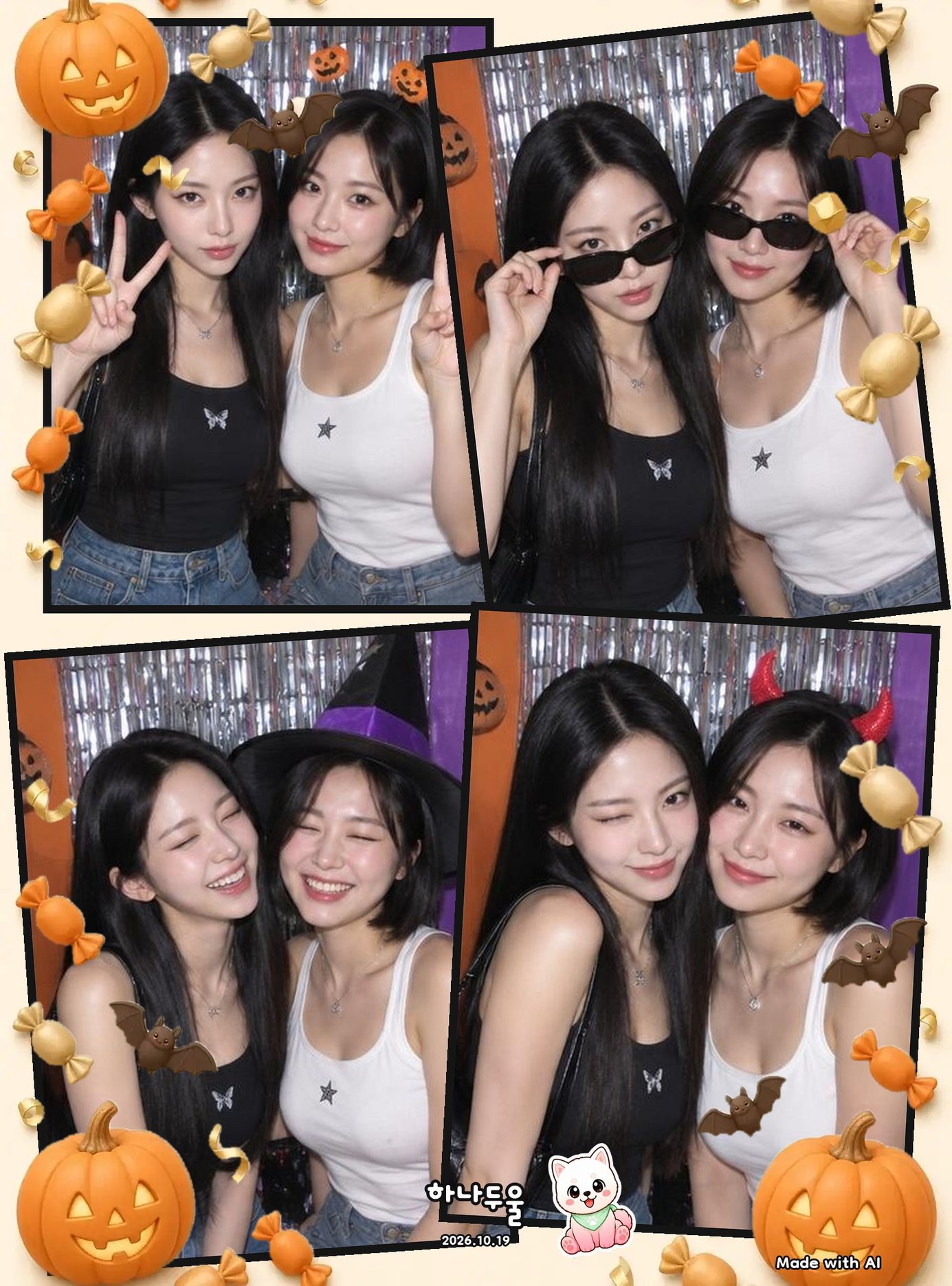
Halloween 4-Cut Photo Ideas You Can Shoot at Home
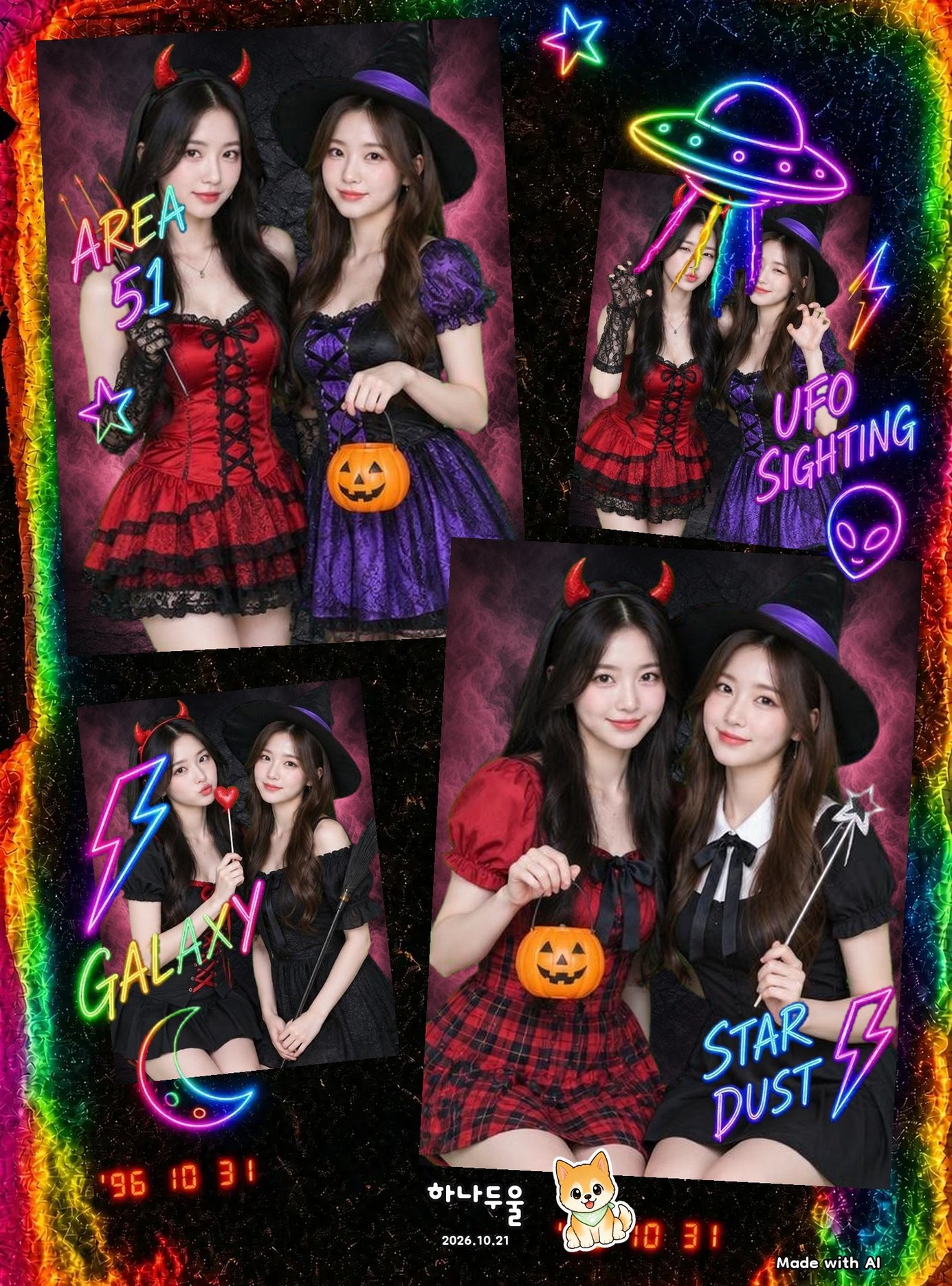
Halloween season is here, and you don't need a costume closet (or even a friend in the same city) to get a fun, spooky photo strip. With Hanaduul's seasonal Halloween background and a couple of expressive poses, you can shoot a cute 4-cut right from your couch.
Shoot a Solo 4-Cut With the Halloween Background
If it's just you, open Hanaduul and tap [Shoot solo] from the home screen. On the shooting prep screen, tap the [Special] tab and you'll find the Halloween background sitting there alongside [Basic] and [My BGs]—it's only available through October 31, so grab your shots before it disappears.
Pick your timer, prop your phone up somewhere steady so your hands are free, and let the app take all four shots in a row. Shooting in a bright room (even just a lamp or window light) keeps the colors crisp, so try to avoid very dim spaces.
Shoot Together Even If Your Friend Is States Away
Hanaduul's Shoot together mode is built for exactly this: two people, two phones, one photo strip. From home, tap [Shoot together] and you'll get a 6-digit room code. Text it to your friend, and she taps [Join with room code] on her end to pop into the same room. If you've followed each other or shot together before, skip the code entirely and use [Invite a friend]—she just taps [Join] when the prompt shows up on her phone.
Once you're both in, you'll see each other side by side on the same background in real time, so you can call out directions like 'lean in a little' or count down together before each shot. When you're done, the finished strip lands in both of your albums under the [Together] tab—no texting photos back and forth after.
Poses and Faces That Work Without Any Costume
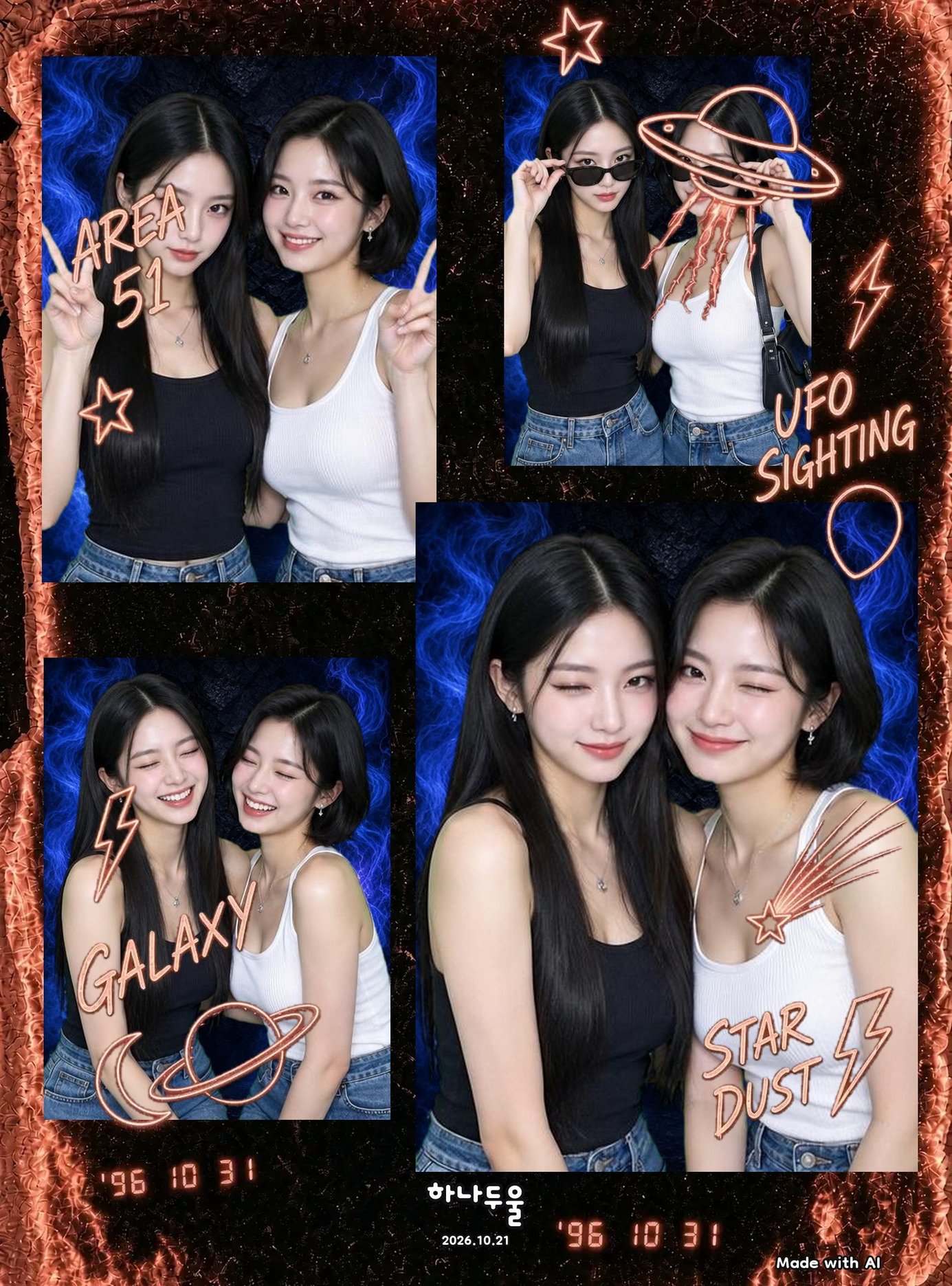
Since the app doesn't have Halloween-specific stickers or props, the easiest way to make your strip feel spooky-season is through expression and body language instead of outfits. A few faces and poses photograph well across all four frames without feeling repetitive.
- Wide 'shocked' eyes with hands framing your face like a classic scream pose
- A slow-motion 'float' — arms up, head tilted back, like you're being pulled by something unseen
- Peeking from behind your hands, eyes barely visible
- A dramatic over-the-shoulder glance like you heard something behind you
- Playful fangs — just two fingers near your mouth, no actual teeth needed
- A cozy, calm smile for one frame to balance out the spooky ones
Build a Custom Spooky Background With My BGs
Want something more specific than the seasonal option? On the shooting prep screen, tap [My BGs], then [Make your own background] and type out the scene you're imagining. It takes about 15 to 30 seconds to generate, so you can tweak it a few times before you land on the look you want.
A formula that works well: place + time or weather + mood or color. Something like 'spooky candlelit room, foggy purple light, pumpkins on the shelf' or 'abandoned attic, moonlight through a cracked window, cobwebs in the corner' gives the generator enough to work with. Short prompts work too — even just 'witch's cottage' can turn into something fun. Keep in mind faces and people won't appear in the background itself since your photo sits on top, and you won't be able to name real people or characters in your prompt. Making a background uses treats, and there's a daily limit, so it's first come, first served.
You can also start a background from scratch later in your album — just open the [Backgrounds] tab and tap the plus sign anytime, not only right before a shoot.
Finish It Off: Layout, Frame, and Filter
Once your four shots are in, head into editing to make the strip feel festive. Tap [Layout] and try the scattered, polaroid-style arrangement instead of a plain grid — it has that thrown-together, candid party feel even when you shot it alone at home. Add a [Frame] or [Border] to tie the mood together, and run a [Filter] over each cut for a warmer tone. If you want finer control over skin and lighting, [Beauty] and [Details] are there too.
To be upfront: there aren't any Halloween-themed stickers in [Sticker] right now, so the festive feeling really comes from your pose, the background, and your editing choices rather than added graphics. A quick doodle with [Pen] can still add a handmade touch if you want one. Just remember editing only works on strips you shot inside Hanaduul, not photos from another app or your camera roll.
FAQ
Do I need a costume to make this look like a Halloween photo?
Not at all. The Special Halloween background and a few dramatic poses do most of the work. Save the costume for your actual Halloween plans.
Is Hanaduul available on Android?
Not yet — right now Hanaduul is only available on iPhone through the App Store, and it's free to download, though a few features inside use treats.
Will the Halloween background still be there after October 31?
No, it's a seasonal option under [Special] on the shooting screen and it's only available through October 31, so it's worth shooting before the day passes.
Can my friend and I use the Halloween background together even if we live far apart?
Yes — start a room with [Shoot together], share your 6-digit code or use [Invite a friend], and you'll both see the same Special Halloween background when you shoot.