How to Take 4-Cut Photo Booth Pictures with a Friend Far Away

Your best friend moved three time zones away, but that doesn't mean your photo booth strip era has to end. With Hanaduul, you and a friend can hop into the same virtual photo booth from two different cities and walk away with one shared 4-cut strip.
Why a Shared Photo Strip Hits Different When You're Far Apart
Photo strips have always been about a moment you shared in person, side by side in a tiny booth. When you live far from your closest friend, you lose that easy chance to squeeze into a booth together on a random Tuesday.
Hanaduul's Shoot Together mode brings that same side-by-side feeling back, even when one of you is across the country from the other. You both show up in the same photo, on the same background, at the same time.
Step 1: Start a Room from the Home Screen
Open Hanaduul and tap [Shoot together] on the home screen. The app instantly gives you a 6-digit room code — this is the key your friend needs to join your session.
- Tap [Shoot together] on the home screen
- A 6-digit room code appears on your screen
- Keep the app open while you send the code to your friend
Step 2: Get Your Friend Into the Room
Text your friend the room code, then have them open Hanaduul on their own iPhone. They'll tap [Join with room code] and type in the numbers you sent.
If you two already follow each other in the app, or you've shot a strip together before, there's an even faster way: tap [Invite a friend] instead of sharing a code. Your friend just taps [Join] on the invite that pops up on their phone, no typing required.
- Friend taps [Join with room code] and enters your 6 digits, or
- If you're already connected, tap [Invite a friend] and your friend simply taps [Join]
- Both of you need to be on iPhone — Hanaduul doesn't have an Android app yet
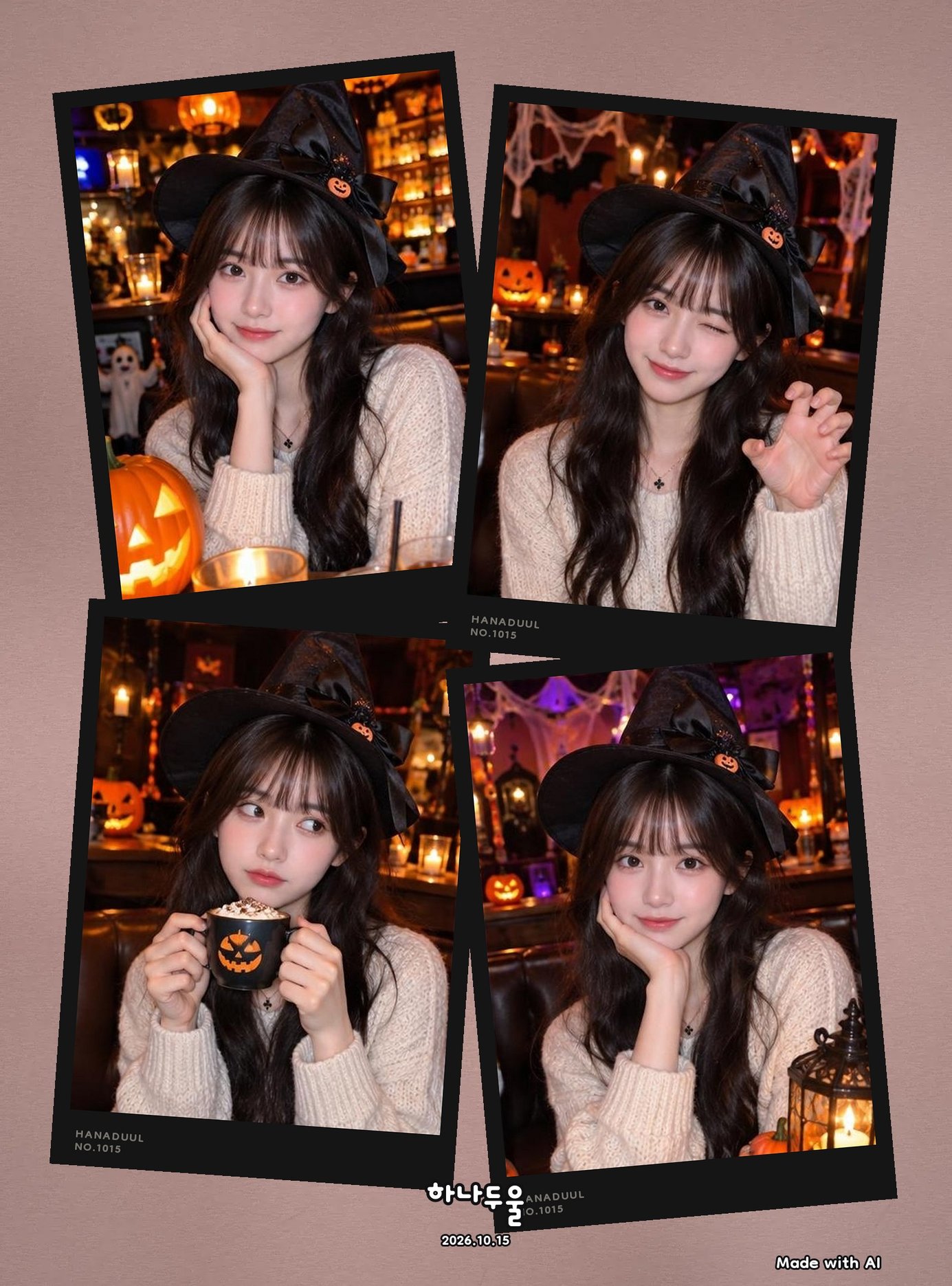
Step 3: Pose Together While You're Far Apart
Once you're both in the room, something kind of magical happens: your two phones show the same background with both of you standing side by side, live, in real time. It genuinely feels like you're standing in the same booth.
The trick to a great strip is simple — stay on a call while you shoot. Talk it through just like you would in person: "scoot left a little," "okay, matching peace signs this time," "3-2-1, big smile!" Since you can both see the live preview, you'll know exactly how to adjust before each shot locks in.
- Call your friend on a video or voice call while you shoot
- Call out directions in real time: "a little closer," "look up," "3-2-1!"
- Plan four different poses ahead of time so you're not scrambling between shots
- Shoot in a bright room — Hanaduul strips always look better with good light
Step 4: Find Your Strip in the Together Album
As soon as the four shots are done, the finished strip saves automatically to both of your accounts. Look for it under the [Together] tab in your album — it'll be sitting there for both you and your friend to revisit whenever you're missing each other.
Because the strip lives in both of your albums, neither of you has to screenshot it or ask the other to send it over. You each simply open your own app and scroll to [Together].
A Few Tips for Your Next Long-Distance Photo Session
Set a regular date for these sessions — a monthly "booth night" over a call can become a fun little ritual, even if you're states apart. It doesn't need an occasion; an ordinary weeknight catch-up call works just as well as any special day.
Agreeing on a loose theme before you start, like matching outfits or a shared color, can make the strip feel more intentional without any extra planning on the day.
- Pick a time that works for both time zones before you open the app
- Decide on a loose theme for your four poses ahead of time (silly, serious, matching outfits)
- Keep the room bright on both ends for the clearest shots
- Make it a recurring thing — a standing call plus a quick photo strip is an easy way to stay close
FAQ
Do we both need the Hanaduul app to shoot a strip together?
Yes, both you and your friend need the app installed on your own iPhones. One person starts the session with [Shoot together] and shares the room code, or sends an invite if you're already connected in the app.
Can my friend join on an Android phone?
Not yet. Hanaduul is currently iPhone only, so both people in the session need an iPhone to shoot together.
What if we're not already friends inside the app — can we still shoot together?
Yes. You don't need to be connected ahead of time. The person starting the session taps [Shoot together] to get a 6-digit room code, and the friend taps [Join with room code] and types it in to hop into the same session.
Where does the finished photo strip go after we shoot?
The completed strip saves automatically to the [Together] tab in both of your albums, so you can each find it anytime without needing to send it to one another.